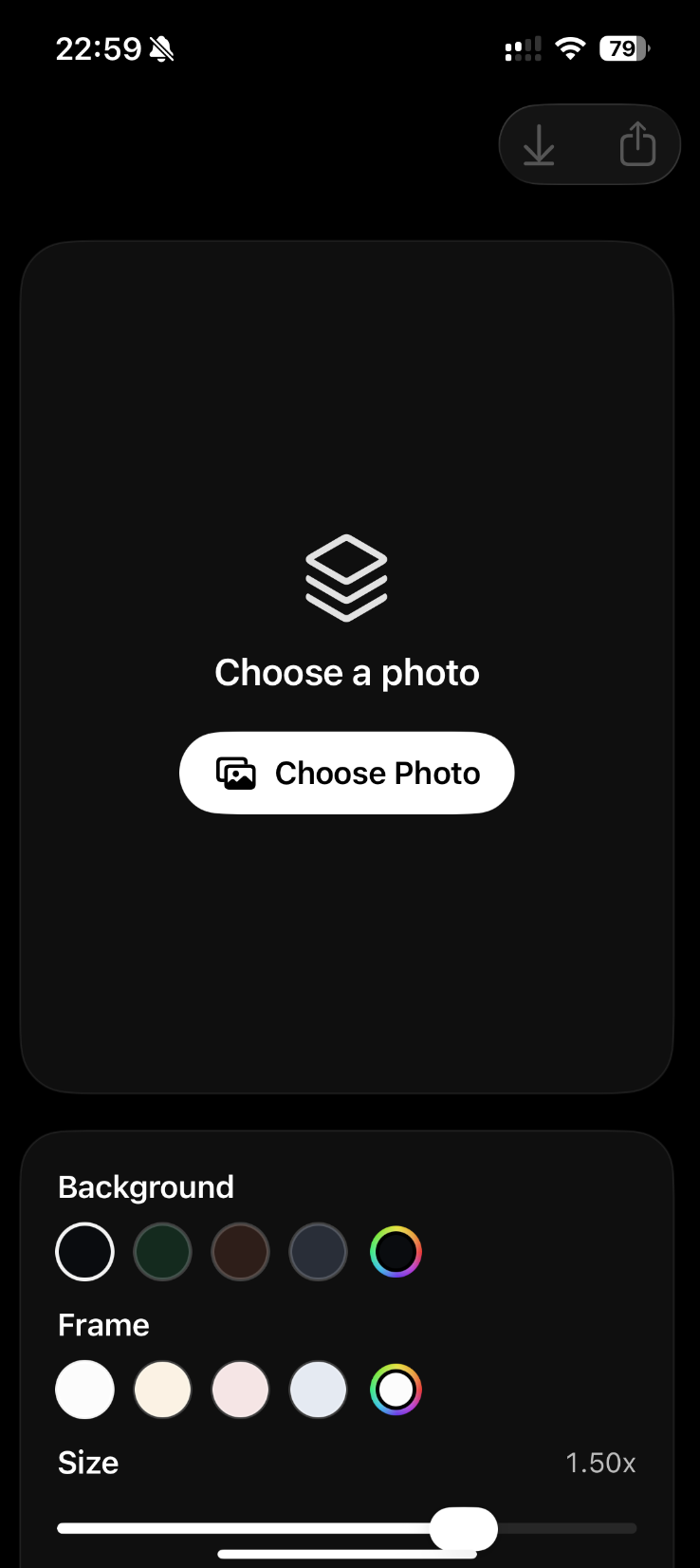
iOutBox is a 3D photo editor for iPhone. It helps you turn ordinary pictures into pop out photo effects, parallax-style 3D photo effects, and framed depth images that are ready to share.

Turn Any Photo Into a 3D Photo Effect
| Original Photo | Converted Result |
|---|---|
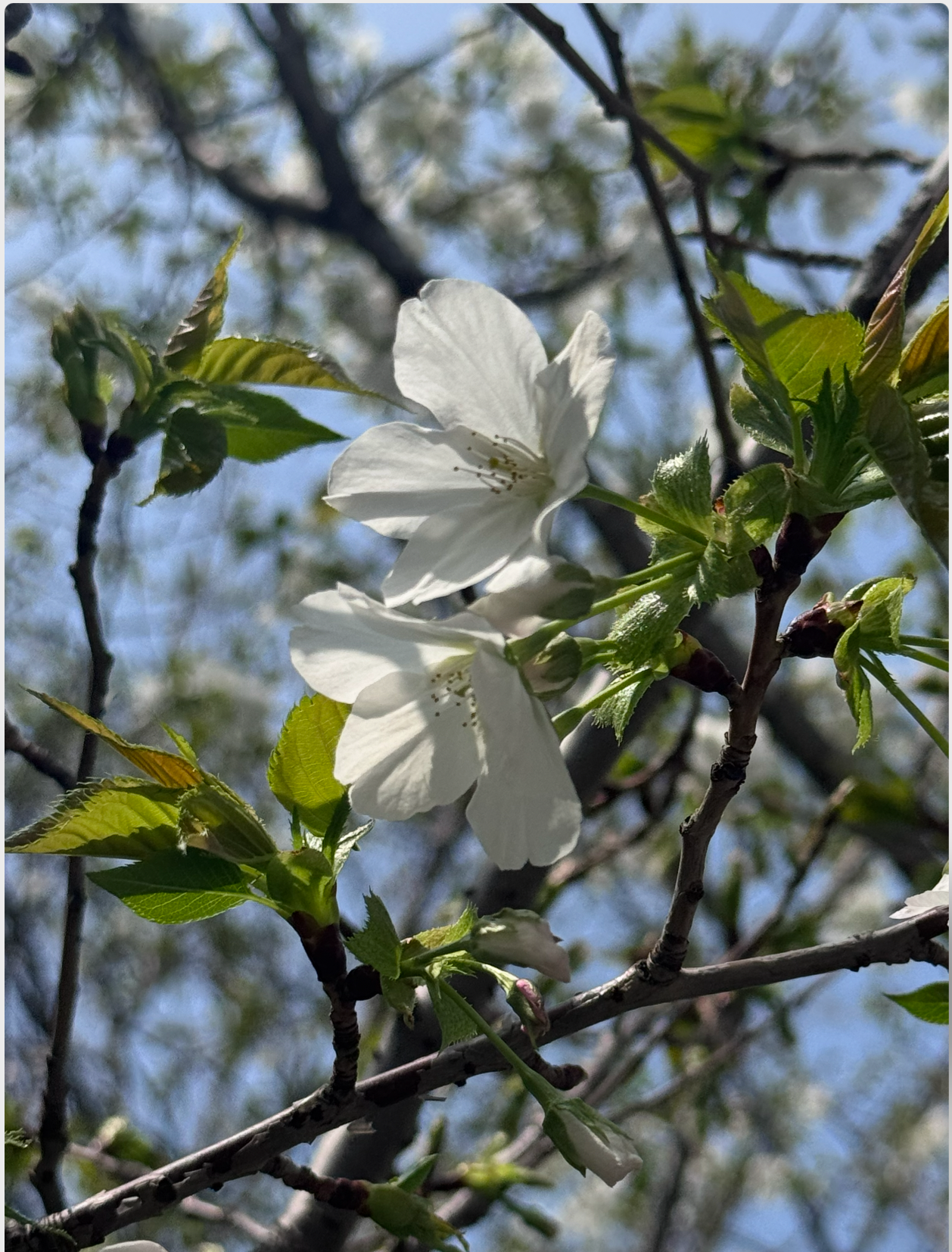 | 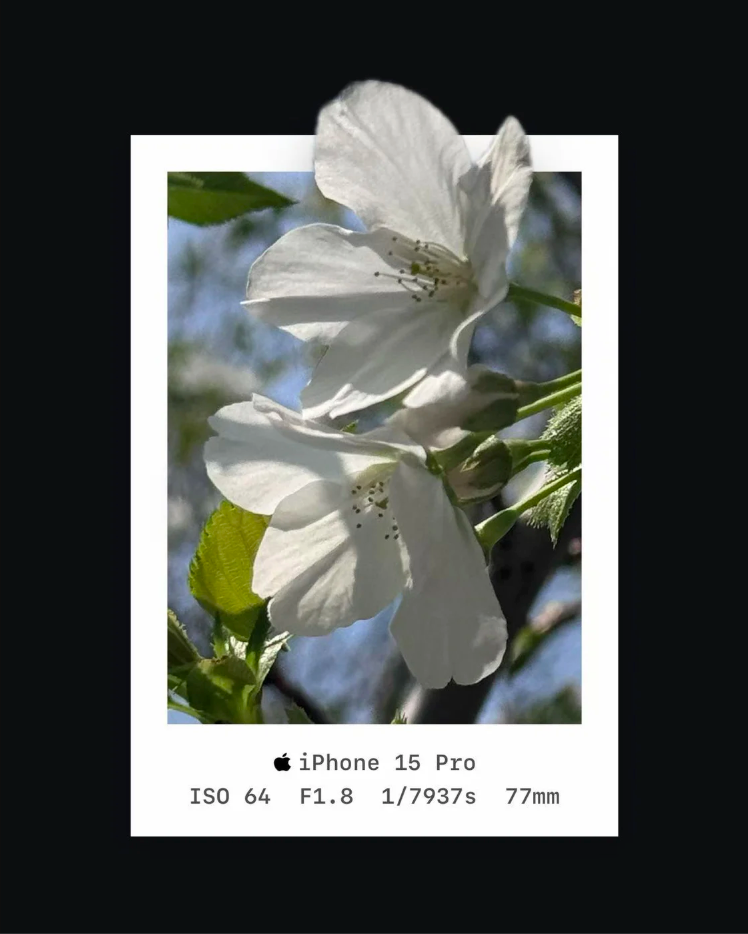 |
Flat photos can feel more expressive when the subject has depth, separation, and a frame that makes it stand out. iOutBox helps you create that look without a complex desktop editing workflow.
Choose a photo from your camera roll, create a subject cutout, compose the depth effect, then export a 3D frame photo or parallax photo result.
What Users Are Saying
"I tried a few 3D photo editor apps before, and this is the first one that made the effect look clean and natural."
"Super easy to use. I picked a portrait from my camera roll and got a surprisingly good pop out photo effect in seconds."
"The parallax photo effect is subtle in a good way. It makes photos feel more alive without looking gimmicky."
"I really like that it keeps the process simple. No complicated cutout photo editor workflow, just import, convert, and share."
"A fun little app for turning ordinary shots into 3D frame photo designs that feel fresh again."
3D Photo Editor: Common Use Cases
iOutBox is built for everyday photos that need a stronger visual effect before sharing.
- Create a pop out photo effect from a portrait
- Turn a travel photo into a parallax photo
- Make a pet photo feel more dimensional
- Add a 3D frame photo style to product shots
- Create social media images with a subject cutout effect
- Convert camera roll photos into share-ready 3D photo effects
Key Features
Pop Out Photo Effect
iOutBox helps the main subject break out from the original frame. This creates a layered look where the foreground feels closer and the background stays behind it.
Parallax Photo Effect
The app supports parallax-style presentation for photos that need more movement and depth. It is useful for portraits, lifestyle shots, products, and visual posts that should feel less flat.
Subject Cutout Workflow
iOutBox focuses on separating the subject from the background, then using that cutout as the center of the 3D composition. The workflow keeps the editing steps focused and easy to repeat.
3D Frame Photo Style
You can create a framed 3D photo effect that gives the image a stronger depth illusion. The result is designed for sharing, thumbnails, and personal creative projects.
Camera Logo Support
iOutBox can read camera EXIF data and display the matching camera brand logo when available. Supported brands include Apple, Canon, DJI, Fujifilm, Hasselblad, Leica, Nikon, Panasonic, Pentax, Ricoh, Sigma, and Sony.
How It Works
- Choose a photo from your iPhone.
- Create or refine the subject cutout.
- Compose the pop out or parallax-style 3D photo effect.
- Add the 3D frame photo look.
- Export the finished image and share it.
Why Use a 3D Photo Editor?
Normal photo editors are often built around filters, color, and cropping. iOutBox focuses on depth, subject separation, and framed 3D composition, so you can make ordinary pictures feel more dimensional.
Use it when a flat image needs a stronger subject, more visual energy, or a creative style that is different from a standard filter.
Why Use a Parallax Photo Effect?
A parallax photo effect gives an image a sense of layered depth. The subject and background feel separated, which can make portraits, products, and travel photos more engaging.
iOutBox helps you create that parallax-style look from regular iPhone photos without moving the work into a desktop editor.
Designed for iPhone Photo Workflows
iOutBox is made for quick creative editing on iPhone. You can import a photo, create the 3D effect, and export the final image from one focused workflow.
FAQ
Q: What is a 3D photo editor?
A: It is an editor that helps turn a flat image into a photo with a stronger depth effect. iOutBox focuses on pop out photo effects, parallax-style 3D photo effects, subject cutout, and 3D frame photo composition.
Q: Can iOutBox create a pop out photo effect?
A: Yes. iOutBox is designed to make the main subject appear to break out from the frame, creating a layered pop out photo effect.
Q: Can I make a parallax photo from a normal picture?
A: Yes. You can start with an ordinary camera roll image and use iOutBox to create a parallax-style 3D photo effect.
Q: Does iOutBox include subject cutout tools?
A: Yes. Subject cutout is part of the workflow, so the foreground can be separated and used in the 3D composition.
Q: What kinds of photos work well?
A: Portraits, pet photos, product shots, travel photos, lifestyle images, and photos with a clear foreground subject usually work well for pop out and parallax photo effects.
Q: Can I share the final image?
A: Yes. After editing, you can export the finished 3D photo effect and share it like a normal image.